A place to give your words some character
Whether you need a glowing neon title for an event poster, a brushed acrylic headline, or a dimensional chrome wordmark, AI FontGen helps you explore ideas fast. We generate expressive lettering images so you can test display treatments early in your design process.
Lettering images rather than installable fonts
When you are roughing out a poster, building a mood board, or pitching a book cover, you often need words with real visual weight. Maybe that means blown glass, chipped stone, or airbrushed enamel. AI FontGen turns your short phrase and descriptive prompt into a finished picture of those words.
The studio creates lettering images, not installable font software. Export a PNG, JPEG, or WebP to place in a layout or mockup. If you need a font you can use to type new sentences, look for an actual typeface and check its license. Each generated picture is based on the words and direction you submit.
Curated styles alongside real typeface specimens
If you know the mood you want but not the exact look, our style catalog offers plenty of inspiration. You can browse visual directions like distressed woodcut, foil stamping, soft clay, and glowing neon. Selecting a style gives the image generator a clear sense of texture, surface lighting, and shape.
Our fonts page includes genuine licensed typeface specimens as well as AI-generated lettering directions. The preview labels help you tell them apart. An illustrated sample does not prove a particular font was used, or imply a partnership with its designer. If your project needs body copy or a font file, follow the source link and check the creator's license.
Clues and suggestions from the font finder
Spotting an unfamiliar typeface on a vintage sign or an old book spine can take hours of searching. Our font finder gives you a helpful shortcut. You select a picture from your computer and crop right around the letters you want to check. The cropping happens locally in your browser, so nothing leaves your machine while you frame the text.
Once you click Find fonts with AI, the selected crop is sent through our server to a vision model. It suggests possible font families based on the visible letter shapes. Treat the results as clues to compare, rather than guaranteed identifications. Our app does not save submitted crops or returned suggestions; the provider processes the crop under its own data practices.
Checking spelling, edges, and legibility
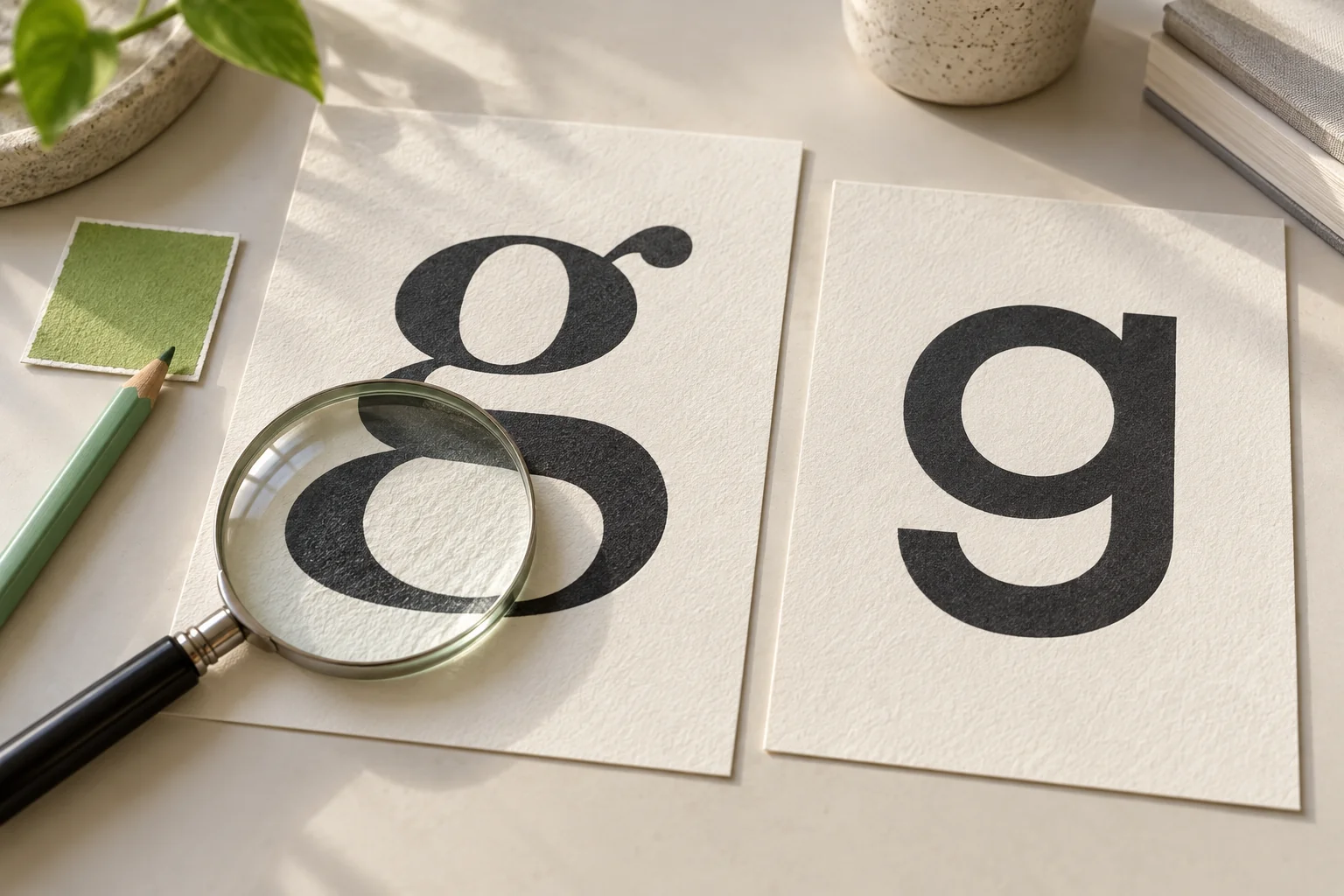
Generated lettering can look convincing and still misspell a word, blend two characters, or add an extra stroke. Even when the overall style works, small letter details may need a closer look.
We always recommend zooming in on your results before placing them in client work or sending files to print. Check the spelling letter by letter, look at how clean the edges are, and make sure the words stay readable at your intended display size. Our tools give you a fast creative jump start, but you make the final call on quality.
Studio controls and private history
For a quick start, the compact tool on our homepage lets you choose words and a visual direction. For more control, open the studio to pick a layout, canvas proportions, model, and quality. You can compare saved results side by side. Choosing a catalog card prepares a direction; it does not start a generation or spend credits.
Everything you generate is kept private to your current session or signed-in account by default. We do not publish your work to a community gallery. Because our private server storage is meant for active projects rather than permanent backups, make sure you download your finished images to your computer once you find a favorite.
Ready to try your own phrases?
Start with a simple prompt on our homepage, browse our style catalog for ideas, or jump right into the studio generator.
The still-life images on this page are AI-generated concept illustrations.