01
Step 1: Enter Your Phrase
Enter up to 64 characters. A compact name or headline leaves more room for each letter. Check your wording before submitting, then inspect the result for missing, changed or repeated letters.
From a birthday greeting to a movie-night poster, some words deserve a cinematic entrance. Enter your text in our Star Wars font generator, explore four galactic looks, and create custom lettering to download for invitations, video titles, and your next creative project.
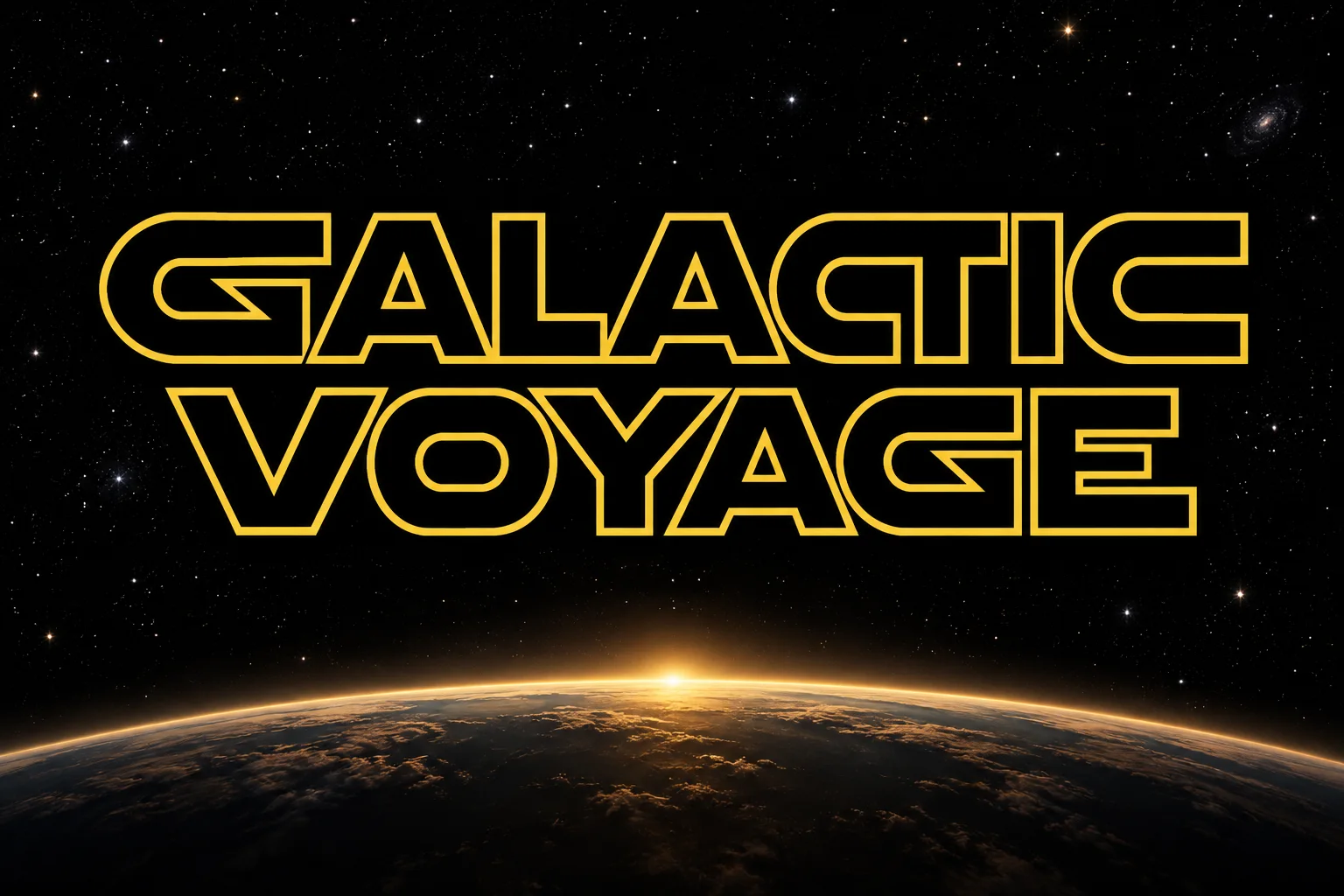
Give a short name or headline a space-opera treatment. This Star Wars font generator renders one title image at a time, using your words and a visual brief. Choose a look and enter up to 64 characters; check the finished lettering before placing it in a design.
Start with FG V1 at 1K, or use FG V2 with an effective Pro or Ultra plan for higher quality settings. The Generate button shows the credit cost before you submit. Finished images stay in your private history so you can compare results or download them again.
Create Your TextCreate custom galactic title art in three simple studio steps.
Enter up to 64 characters. A compact name or headline leaves more room for each letter. Check your wording before submitting, then inspect the result for missing, changed or repeated letters.
Select one of four aesthetic presets: Classic Outline, Solid Yellow, Metallic 3D, or Hologram. Set your aspect ratio to 16:9, 1:1, or 9:16. Choose FG V1 at 1K, or choose FG V2 for 1K, 2K, or 4K title graphics.
Review the credit cost, then generate. If you plan to layer the title over another image, request transparency first and check the edges afterward. PNG and WebP preserve available transparency; JPEG fills transparent areas with white.
Explore creative tools designed to give titles cinematic presence.
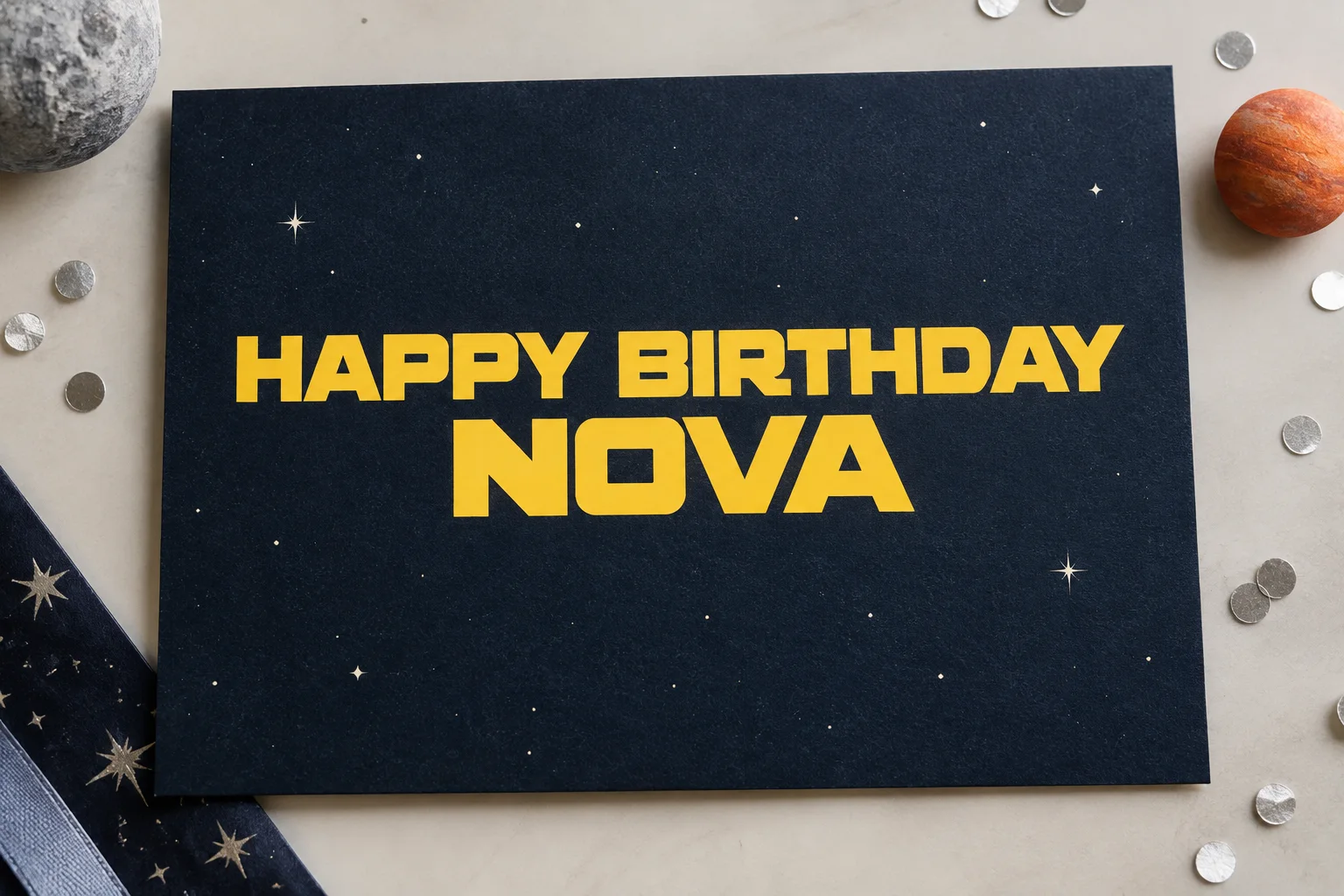
Use a short phrase for a movie-night poster, invitation or video title. Keep dates, locations and other small text in your layout editor so they remain easy to read. Generated spacing and spelling can vary, so inspect the image at full size before export.
Renders custom phrases up to 64 characters across FG V1 and FG V2 models.
Make Titles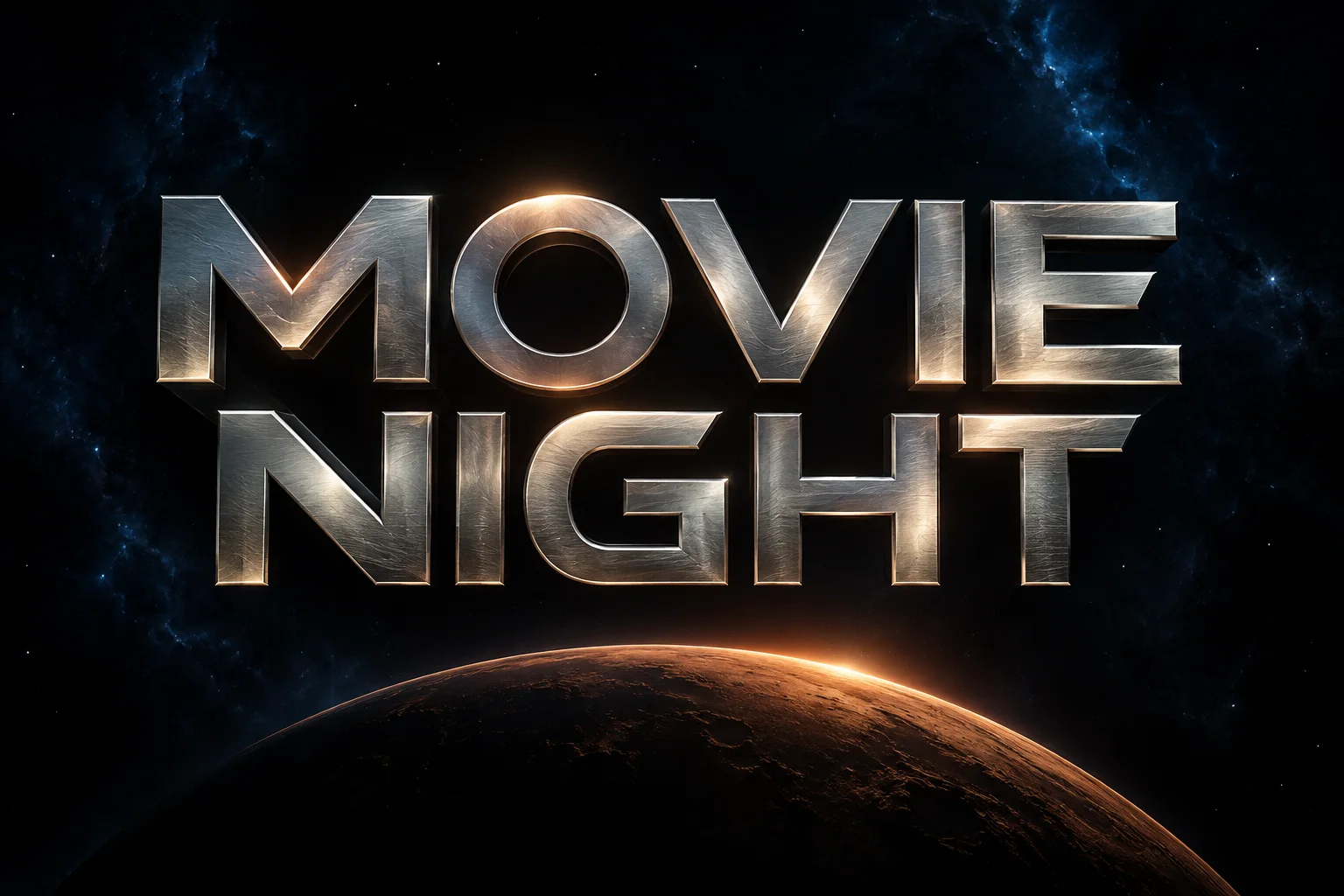
Classic Outline uses yellow borders with open interiors. Solid Yellow gives the title a heavier silhouette. Metallic 3D adds beveled surfaces and depth, while Hologram uses glowing cyan edges. All four looks support 16:9, 1:1 and 9:16 canvases.
Choose curated visual presets without writing complex prompts.
View Looks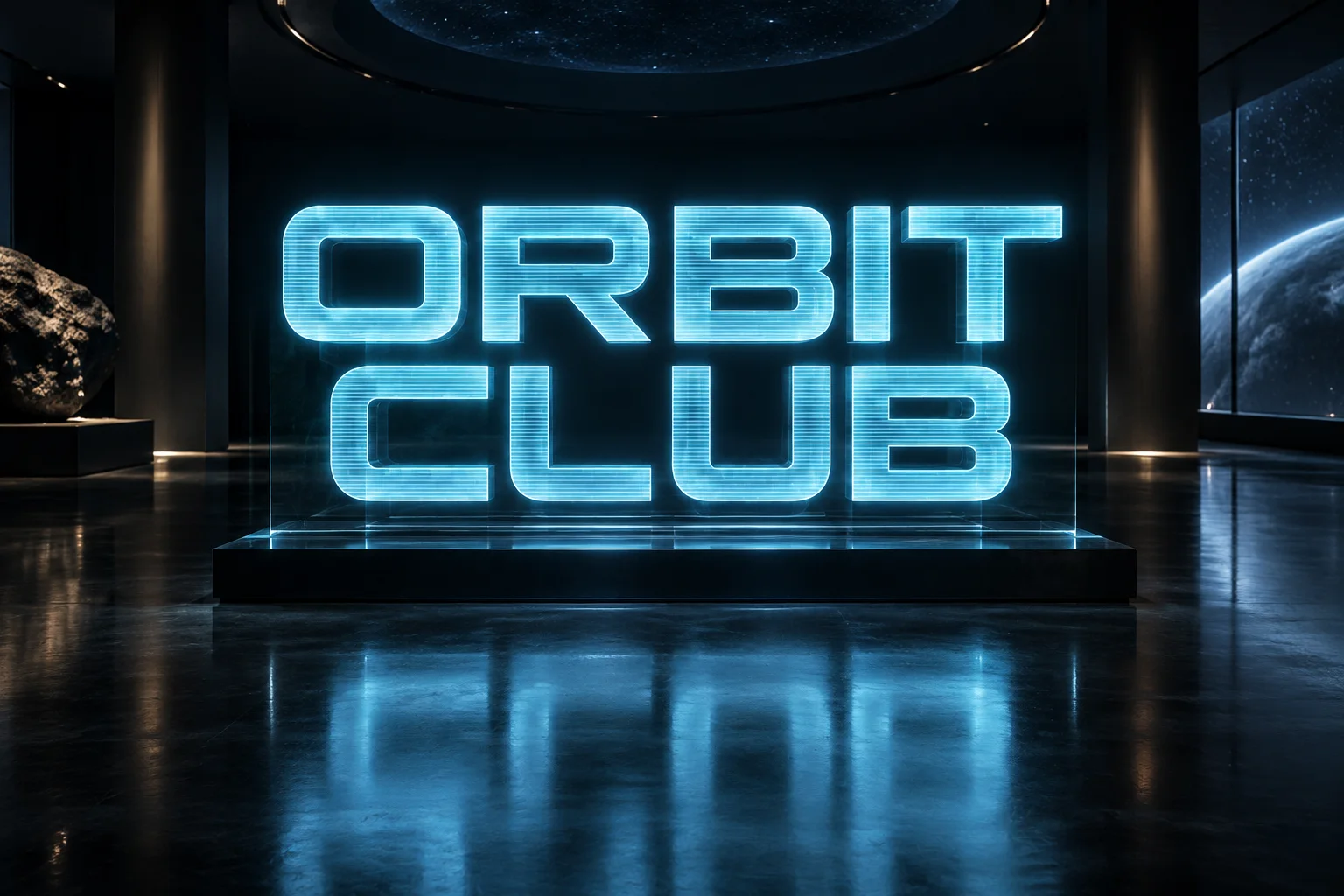
Export PNG, WebP or JPEG for your layout. Open in Studio carries the words, prompt, scene and canvas settings to the full editor, where you can prepare another generation. The handoff preserves your draft; it does not edit an existing image.
Preserves draft settings for new generations without altering existing graphics.
Continue Your DesignChoose the canvas and export format for the place your design will appear.
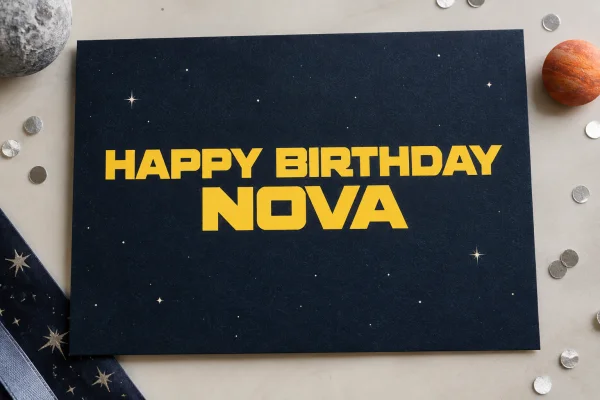
Place a personalized greeting on invitations, table cards or party signs. Keep event details as editable text in your layout, and leave enough margin around the title for printing or cropping.
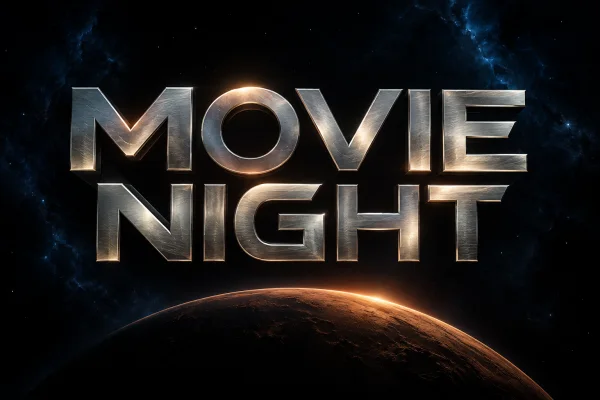
A 16:9 canvas suits a widescreen title card. Test the exported image at thumbnail size before adding it to a video or stream layout; a detailed treatment can become difficult to read when reduced.
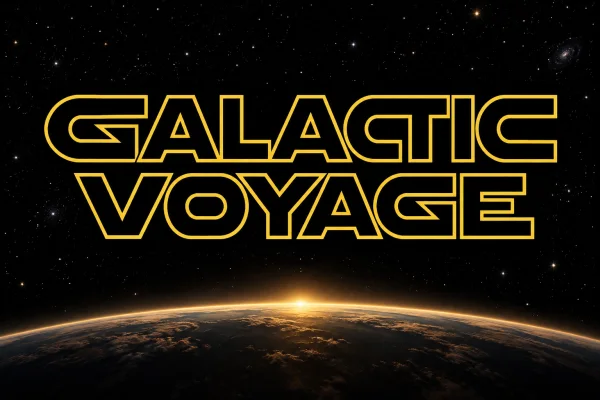
Download the artwork as a PNG and insert it as a picture in Canva, Word or Google Docs. Resize it proportionally, leaving longer passages as editable text. No typeface installation is needed for the image.
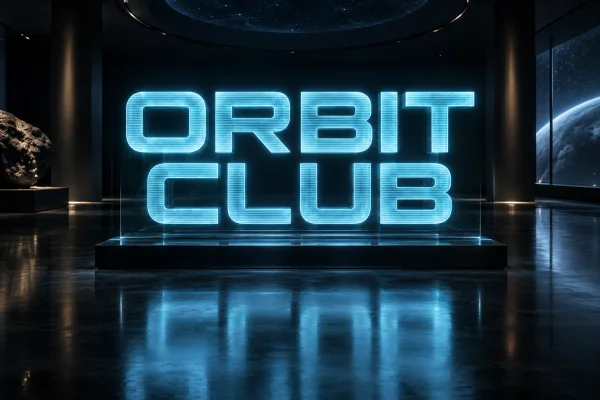
Try the artwork on stickers, room signs or craft mockups. Check a sample at the intended print size. Downloads are raster images; cutting machines may require separate tracing and cleanup.
These checks help you choose a brief and evaluate the result.
For an installable Star Wars-inspired typeface, explore independent font repositories such as DaFont and Font Meme. Fonts including Star Jedi and SF Distant Galaxy have their own licenses. This studio creates title images; check the terms at each source before using a font file.
Star Jedi and SF Distant Galaxy are familiar fan-made typefaces inspired by space-opera lettering. The franchise logo uses custom lettering. This generator creates a new title image rather than typesetting an exact font file.
A logo or title uses large display shapes. An opening crawl contains lines of narrative text angled into the distance. This page creates static title images; a moving crawl requires a video tool.
No. Downloads are PNG, JPEG or WebP images, not installable TTF or OTF files. Visit a font repository for desktop typefaces and check the license for your intended use.
Guest access lets you start without signing in when enabled. Generating images uses the credits shown on the Generate button. FG V2 requires an effective Pro or Ultra subscription; downloading an existing result does not create another generation.
Insert the downloaded image as a picture and resize it proportionally. If you need a transparent background, request it before generating and inspect the PNG or WebP export. Keep longer paragraphs as editable text.
No. The studio produces static images. You can import an exported headline into a video editor as a title card, but animation and perspective movement need to be added there.
No. It styles your words as sci-fi artwork without translating them into a fictional alphabet. Use a dedicated translator when you need an accurate character mapping.
The studio is designed for short titles, not complete character sets. It does not create a reusable font family. Keep the phrase compact and inspect the letterforms in each result.
Each image is generated anew, so shapes and spacing can change. Review the words at full size. If a letter is missing or hard to read, shorten the phrase or adjust the brief before another generation.
It carries your draft into the full editor, including words, prompt, scene, ratio, model, quality and background. You can change the settings for another generation. The handoff does not submit a request or alter an existing image.
No. Use the downloaded image in your design software or document. The separate copyable-text tool on the homepage produces Unicode characters; that is a different output.
AI FontGen is an independent tool, unaffiliated with Lucasfilm or Disney. The looks are inspired by sci-fi lettering and are not official licensed products. Check the rights that apply to your intended use.
Enter your words, choose one of the four looks, and review the credit cost before creating your image.
Create Your Text