01
Upload, straighten, and crop text
Crop around three to five distinctive letters and level the baseline. Rotation can straighten text, but it cannot repair heavy perspective distortion. Keep enough margin to avoid cutting off serifs or descenders.
From a favorite poster to a shop sign you can't stop looking at, great type is worth tracking down. Upload a photo to our font finder, examine the letter shapes, and turn lettering you admire into a useful reference for choosing type in your next design.
Font Identifier from Image
Upload an image to this tool, then select the words you want to identify.
Start with an image, or open the demo to explore a font result.
A screenshot often arrives without a font name. Start by isolating a few clear letters, then compare their shapes with plausible font families. A clean crop makes it easier to see stroke endings, proportions and spacing.
Our font finder uses visual AI to suggest candidates when the service is available. It does not verify an exact match against a font database. Use the results as a starting point, then check provider specimens and licenses before choosing a typeface.
Upload an Image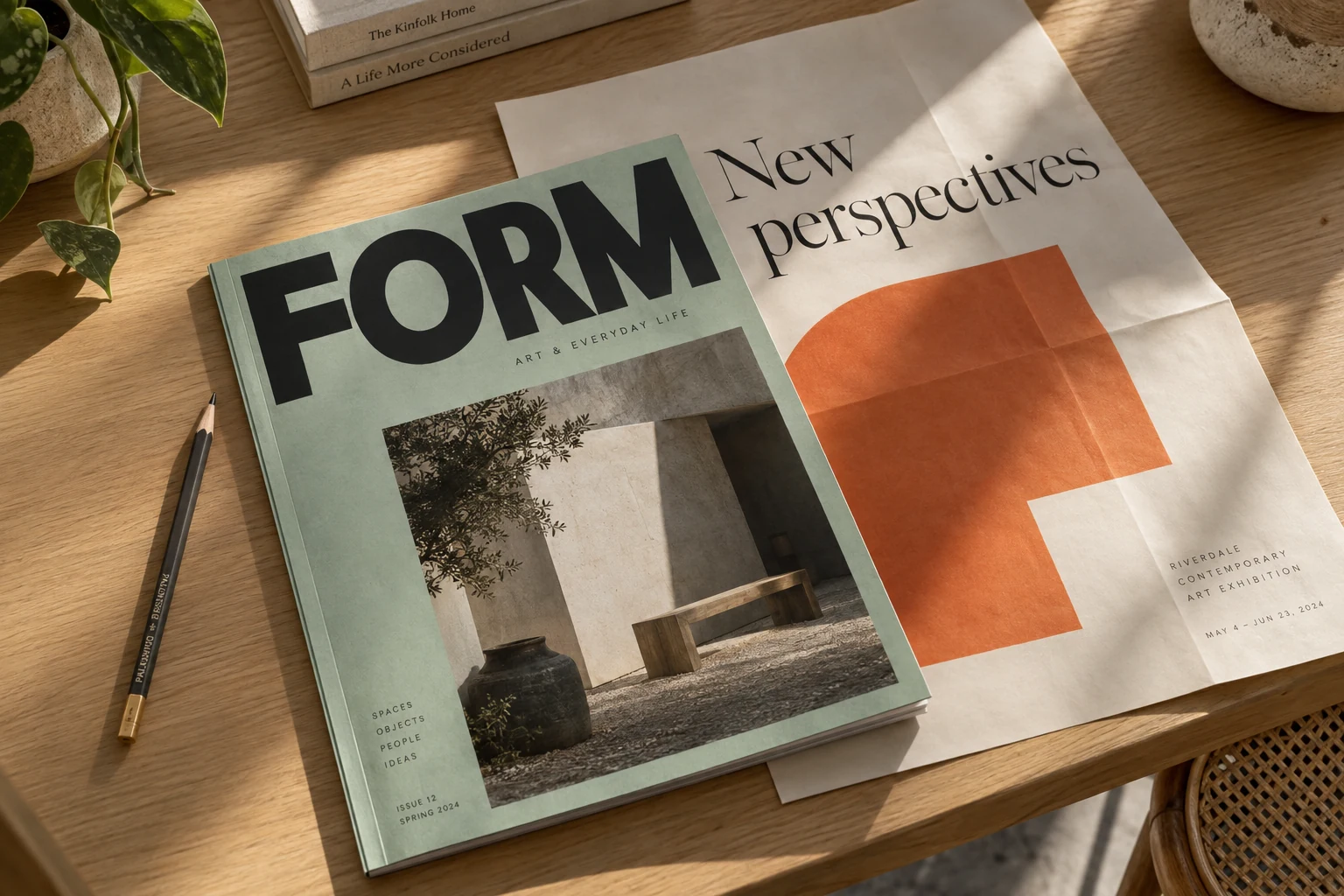
Prepare a clear sample, compare candidate letterforms, and verify your choice at the source.
Crop around three to five distinctive letters and level the baseline. Rotation can straighten text, but it cannot repair heavy perspective distortion. Keep enough margin to avoid cutting off serifs or descenders.
Click Find fonts to send only the selected crop for up to five plausible suggestions. Bundled families have genuine previews; other candidates link to search. The separate demo uses a known typeface and does not run recognition.
Look at uppercase R, lowercase g, or ampersands to name that typeface. After a font finder search, check the provider for character sets and desktop or web licensing.
Crop and straighten the reference locally, request visual suggestions when available, and compare candidate families. A similar appearance is a lead to investigate, not proof of identity.
Trim clutter and level the baseline before submitting. Use the original image where possible: enlarging a compressed copy cannot restore missing edges. You can export the crop as a PNG for further comparison.
Our local editor handles PNG, JPEG, and WebP files up to 10MB in browser memory.
Upload an Image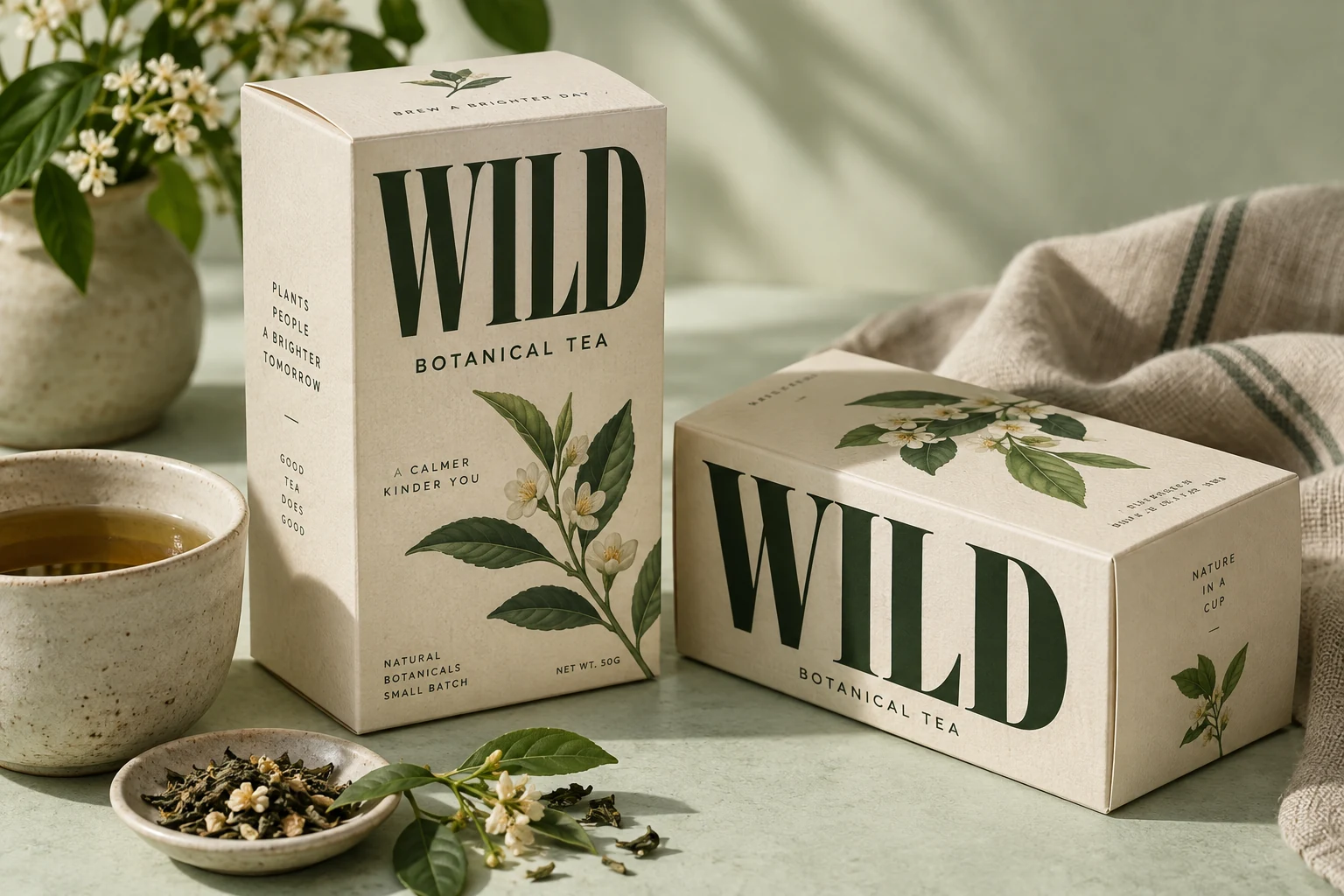
The demo lets you type in DM Serif Display and adjust its spacing. For actual candidates, compare the same letters in a provider specimen or an available bundled preview. Pay attention to numerals and punctuation as well as the headline.
Try DM Serif Display in the demo: type your words and adjust size and spacing.
Try the Demo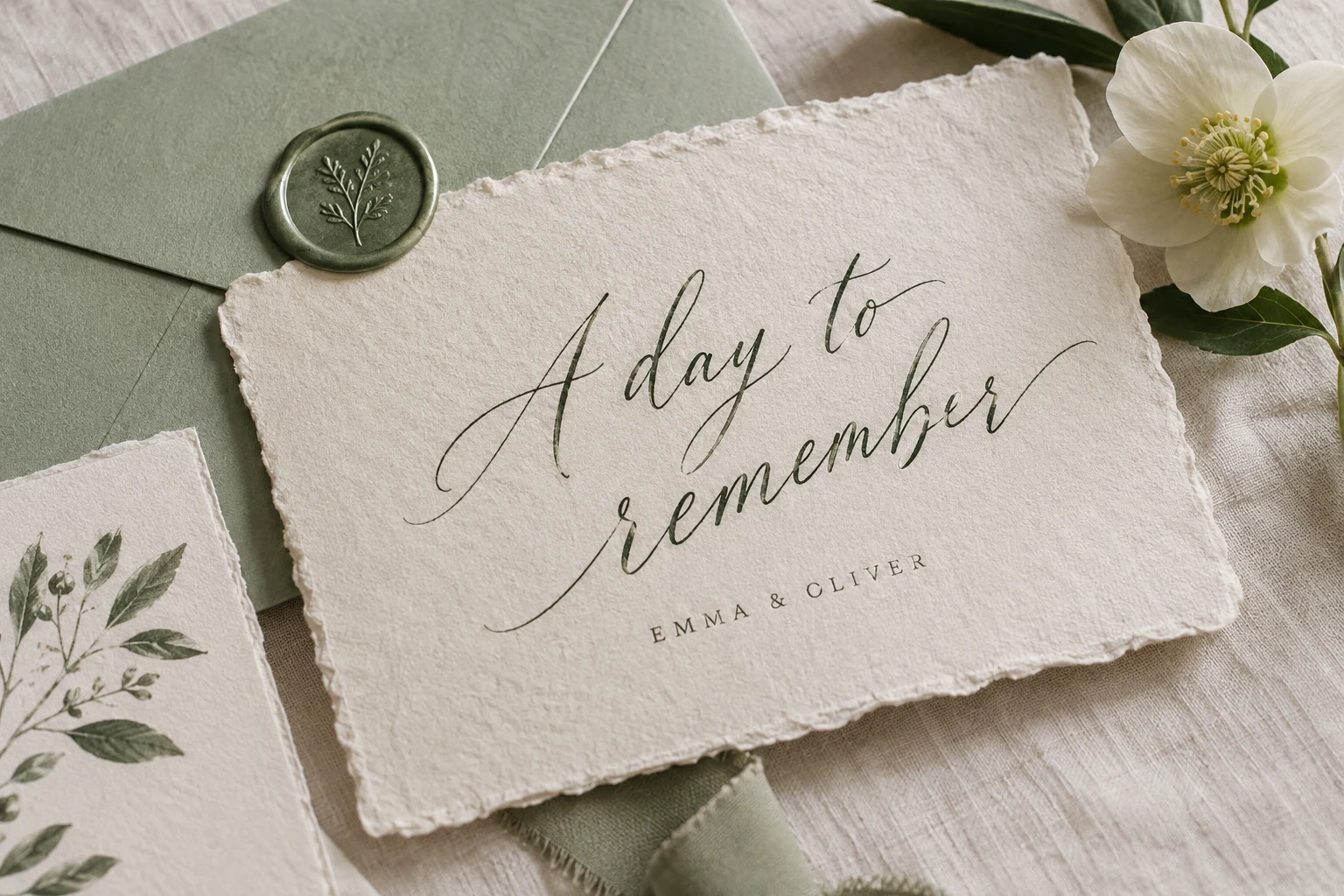
The font finder demo links to its Google Fonts source. For other candidates, check foundry pages for character sets, available weights, and the license your project needs.
A font name alone does not establish permission to use it.
Browse FontsWork from the reference available to you, while allowing for custom lettering and missing font assets.
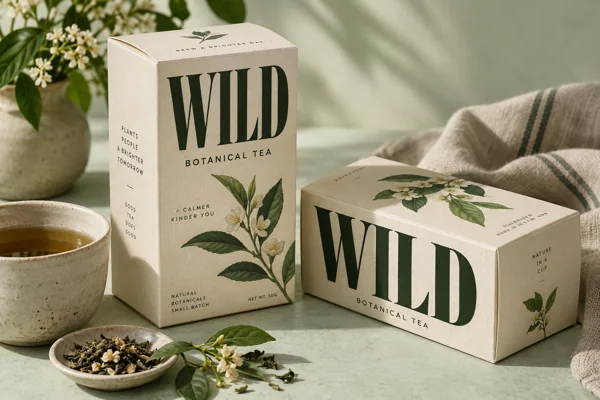
Crop a distinctive part of the logo and compare repeated letters. Brand marks may combine a typeface with custom drawing, so a close family may be useful even when no exact match exists.
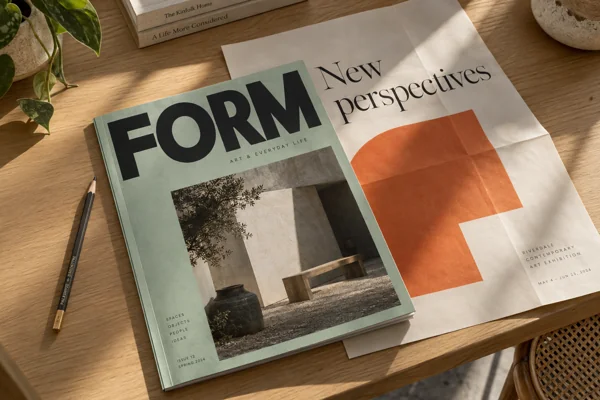
Isolate a sharp headline from the flattened artwork. Keep a copy of the original crop so you can compare multiple candidates at a consistent size.
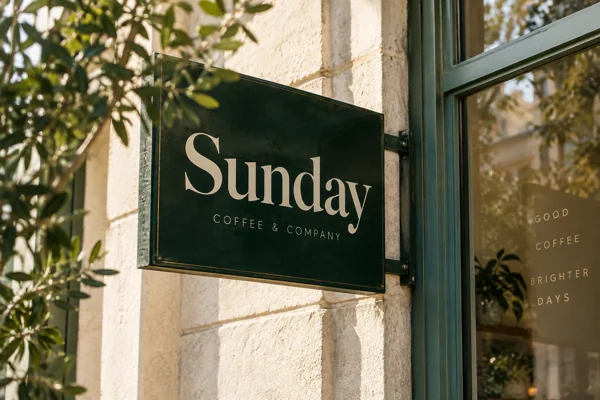
Take the photo as straight on as possible. Crop away surrounding objects and compare the baseline, stroke endings and proportions before selecting a family for a new menu or sign.
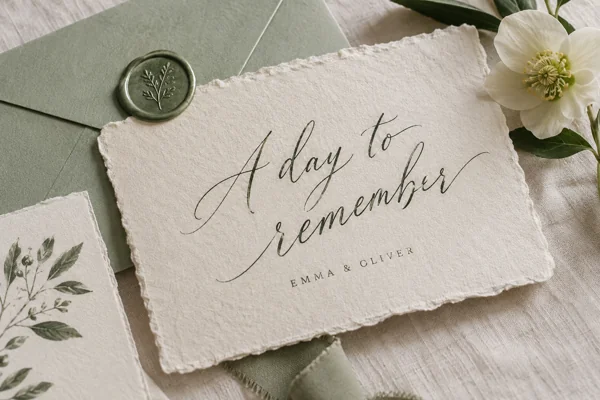
Separate a display headline from smaller body text. Submit one style at a time, then compare the available weights and character sets for your own layout.
To identify font from image uploads, look beyond basic shapes. These checks give a visual search a better starting point.
Local cropping and font finder searches are free with no credits charged (separate from lettering). Requests are limited to 10 per network per UTC day (up to 10MB, 25MP), subject to server availability.
For font recognition, this tool uses visual AI to suggest up to five plausible font families. Compare letter shapes against your crop before choosing a font. Bundled families show genuine previews; other suggestions link to search. The demo uses one known font and makes no search request.
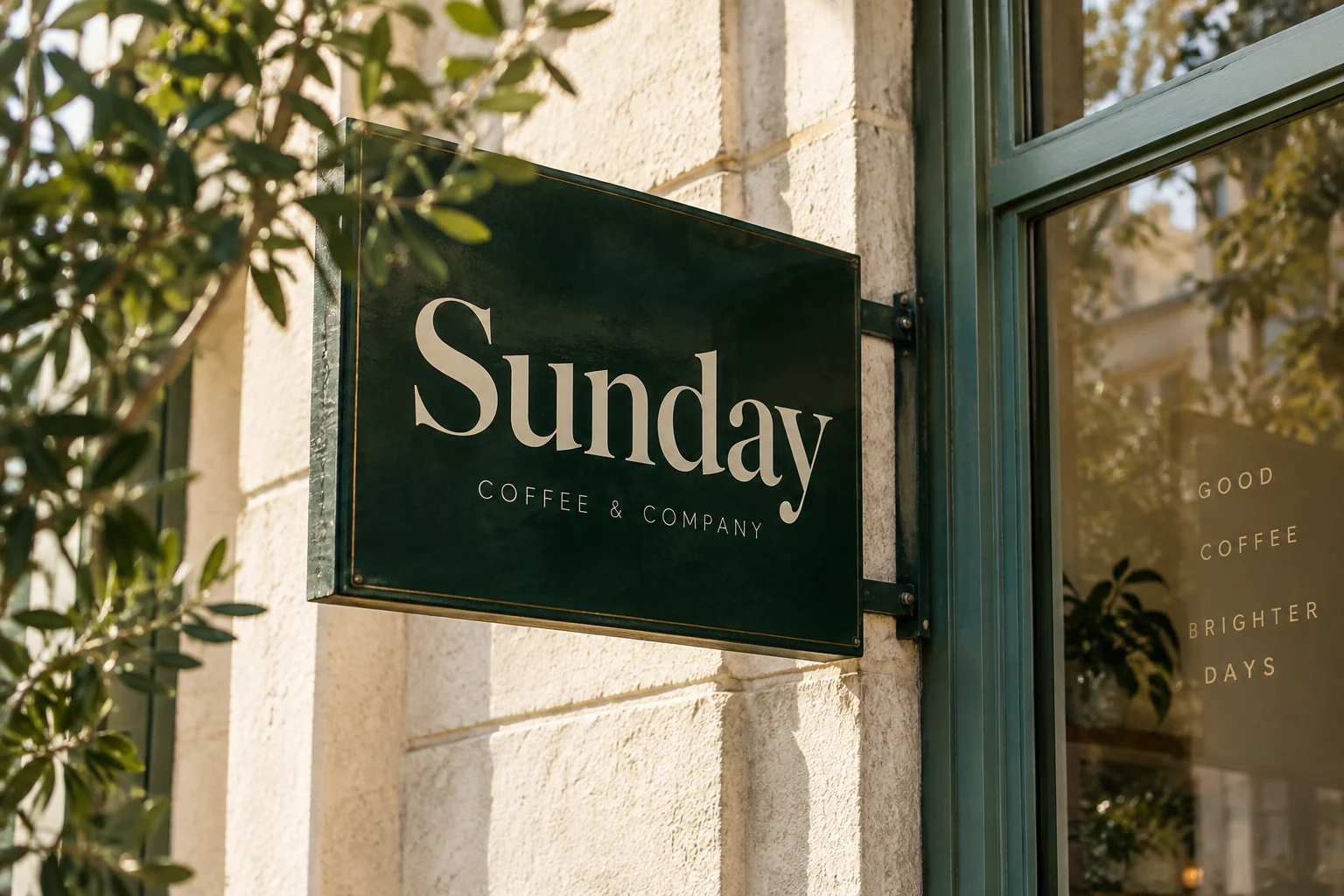
The font finder demo uses one known font, DM Serif Display, to test your words and spacing. The photos are design illustrations, not recognition results.
The font finder does not distribute font files. Check provider and foundry pages for downloads, available weights, and licensing before using a typeface.
No font detector guarantees an exact match every time. Low resolution, compression, angles, or custom edits can obscure shapes. A good font finder suggests close candidate font names to guide your search.
Cropping stays in your browser. Clicking Find fonts sends only your crop to our server and an external AI provider for analysis. This tool does not save crops. The provider handles the submitted crop under its own data policy.
Use the same word to compare weight, spacing, and letter shapes. An editable preview helps you judge similarity, not confirm identity. Check provider specimens when editable fonts are unavailable.
WhatTheFont, WhatFontIs and Font Squirrel Matcherator are independent recognition services with their own workflows. This tool uses visual AI for plausible suggestions, plus local crop controls and a known-font demo. Compare candidates at their sources; no result here is a verified exact match.
Our catalog offers name-based font lookup alongside image-based search. You can look up font styles, test lettering styles, and discover typefaces through curated open-source typefaces and lettering directions.
Crop one line or style at a time. Keep bold headlines separate from script captions so different letter shapes do not compete.
Choose an original screenshot over a compressed copy. Crisp edges give a font finder clearer letter details; save your crop as a PNG.
Tiny text can lose serifs and fine details. Enlarge the original webpage or document before taking a screenshot; stretching a blurry screenshot will not restore missing shapes.
Bring a reference into the font finder, crop the lettering, and save it for your search. Try the demo to see how different words look in comparison.
Upload an Image