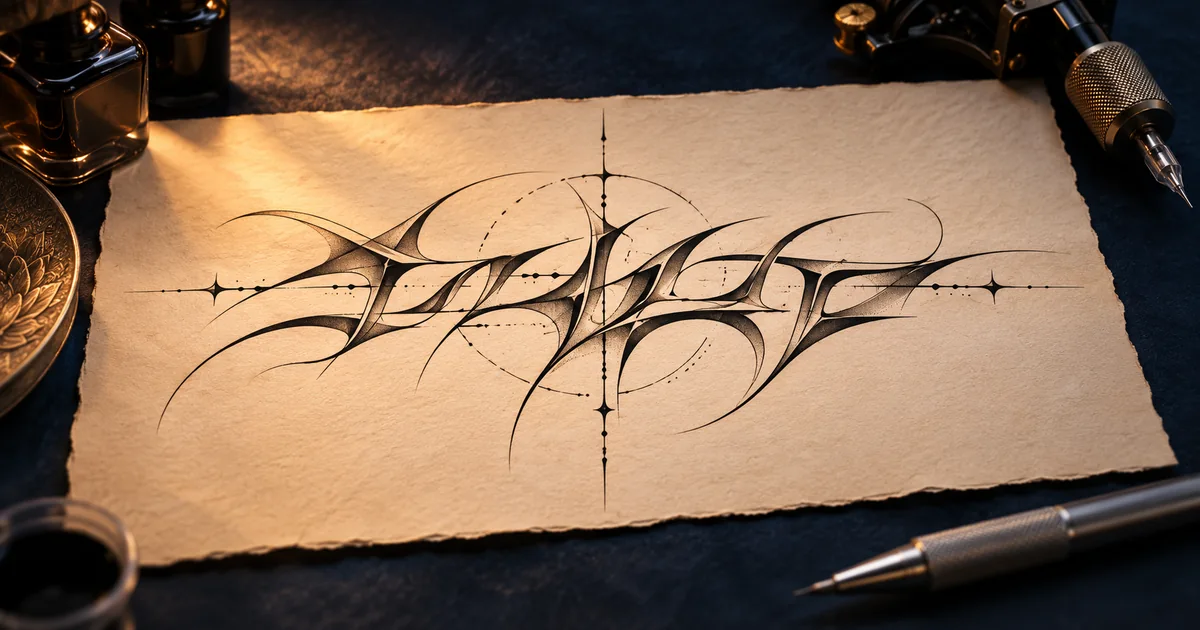
Use this tattoo font generator to draft a name, date or short phrase. Explore fine line, Chicano and Old English lettering, then bring the tattoo draft and its exact spelling to your artist.
STYLE REFERENCE
Illustration for style inspiration
Cursive Tattoo Fonts, Blackletter and Dates
Tattoo Font Generator for Names in Fine Line
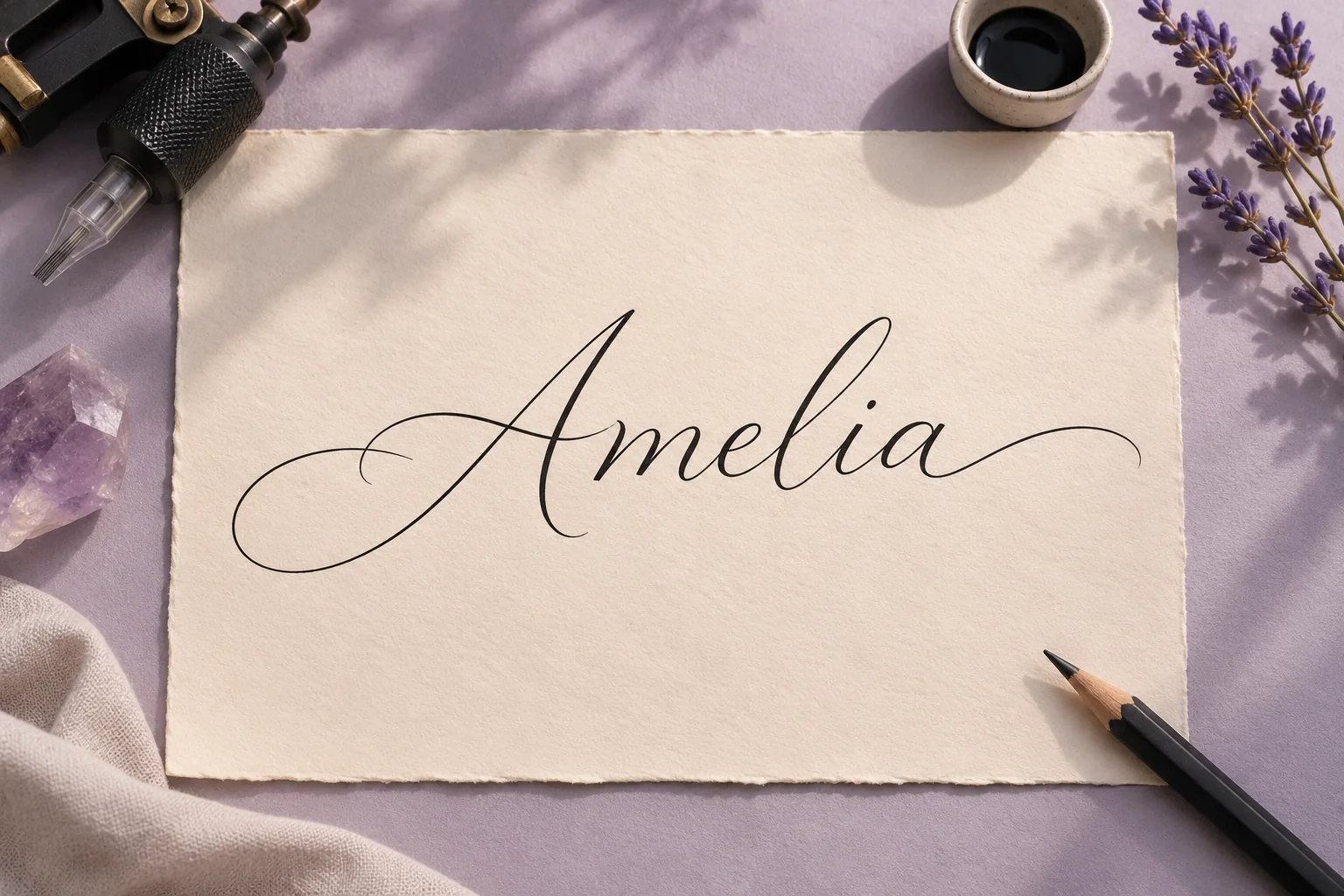
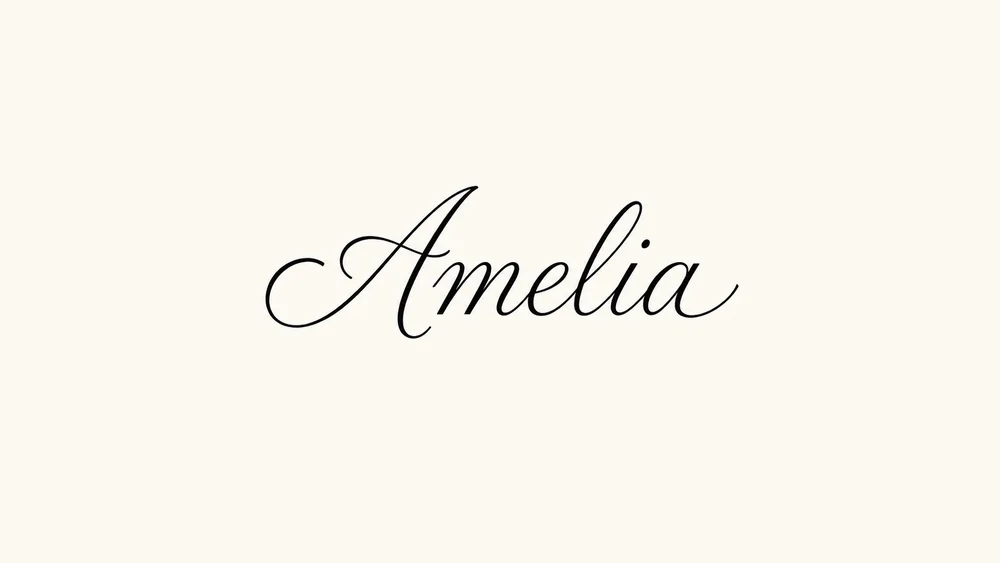
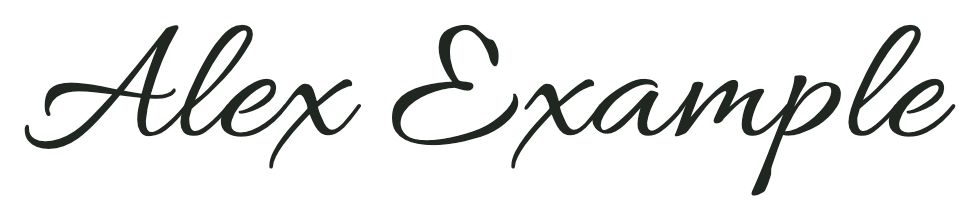
Try our tattoo font generator for names such as Amelia or Renée. Pick Fine Line Script for a tall initial and delicate joins. For a narrow tattoo placement, ask your artist to check how the tattoo font curves around the first letter. Run an AI tattoo font generator once, then zoom in on the middle letters and check accents against the text you entered.
Old English Tattoo Lettering for Short Quotes
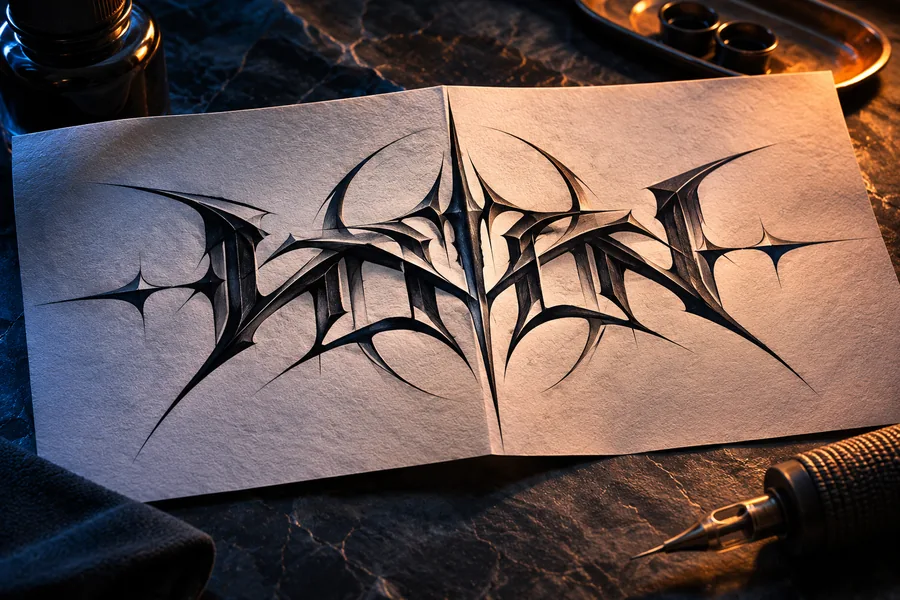
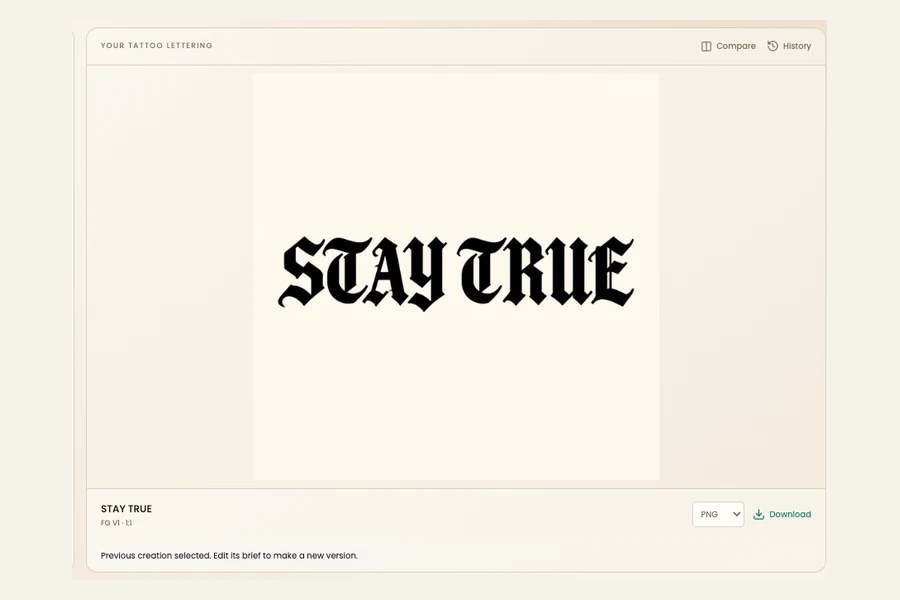
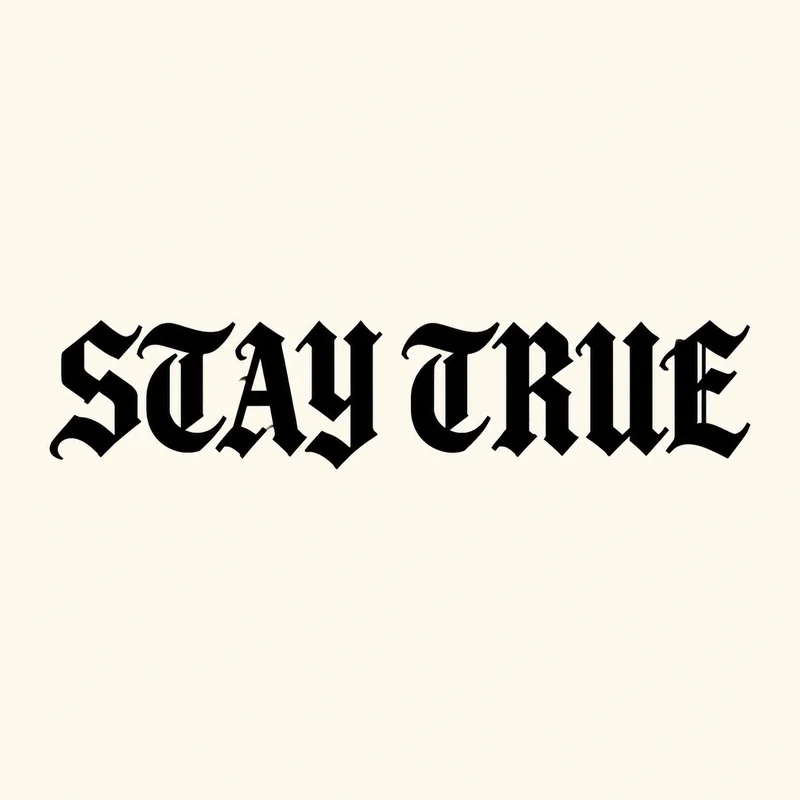
For a quote like STAY TRUE, pick Old English and start with a square frame. Our AI tattoo font generator can form dense blackletter with narrow gaps. If space disappears between letters, give this tattoo font generator a wider frame or a shorter line. Print the tattoo font at your intended size and take the draft and exact wording to your artist.
Tattoo Number Fonts for Memorial Dates
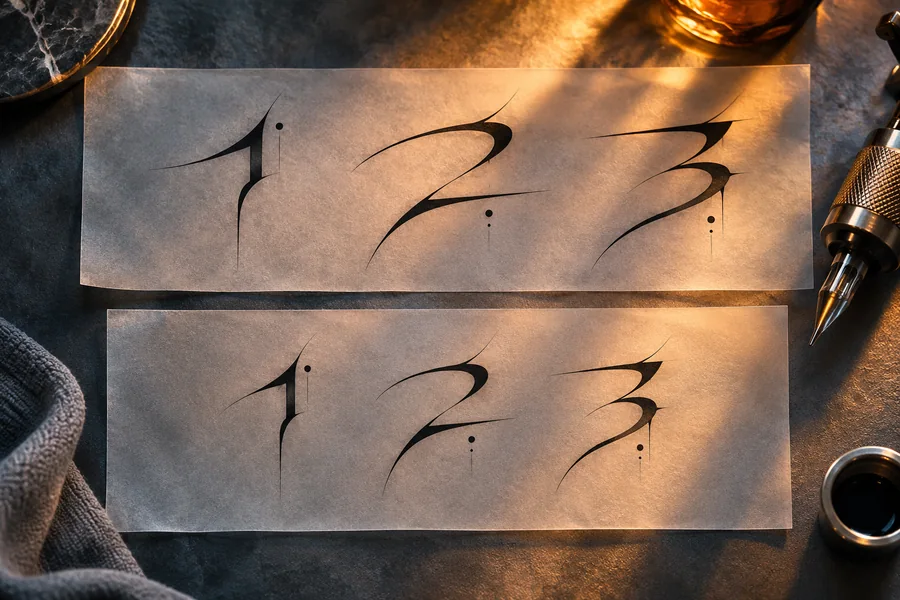
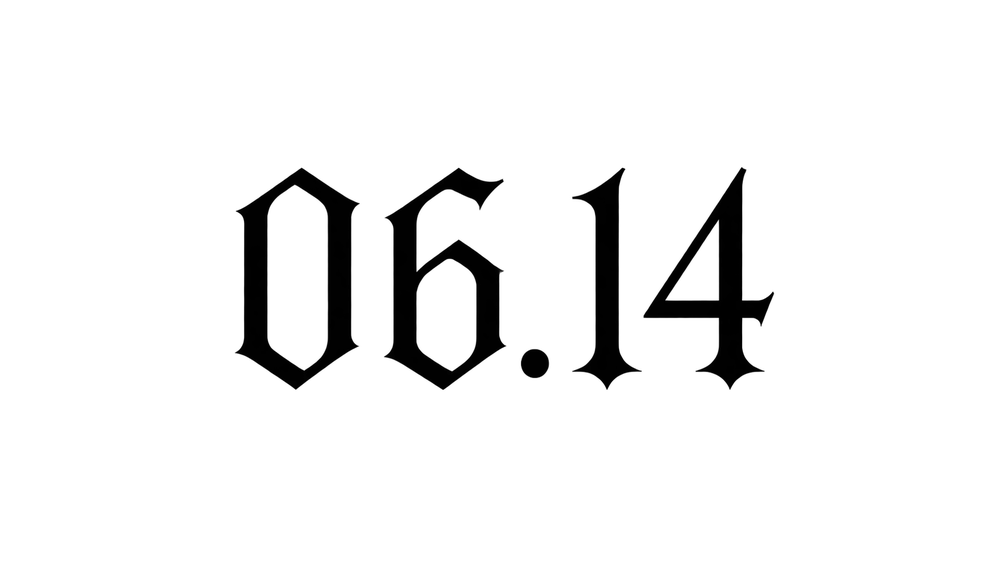
Enter a date with the exact separators you want. Minimal Numerals gives your AI tattoo font generator a leaner brief. Use a square canvas for a compact date and a wide canvas for paired dates. Review the tattoo font draft at the intended tattoo size. A numeral that reads distinctly on screen can close up in a small print.
What Your AI Tattoo Font Generator Makes
AI FontGen is an AI tattoo font generator that makes flat lettering references from the words you enter. Each picture is a raster draft you can share at a tattoo consultation. Use AI FontGen’s tattoo font generator for names, dates and short quotations.
AI FontGen’s AI tattoo font generator accepts up to 64 characters and exports PNG, JPEG or WebP. With FG V1, this tattoo font generator runs at 1K for 5 credits. Included daily credits can cover the request. Check the quote beside Generate before starting.
Stylized letters can merge in any tattoo font generator, especially in a narrow frame. This AI tattoo font generator may change an accent or add a stroke where letters meet. Compare the artwork with your original, then ask your tattoo artist to check size, spacing and line weight.
How to Use the AI Tattoo Font Generator
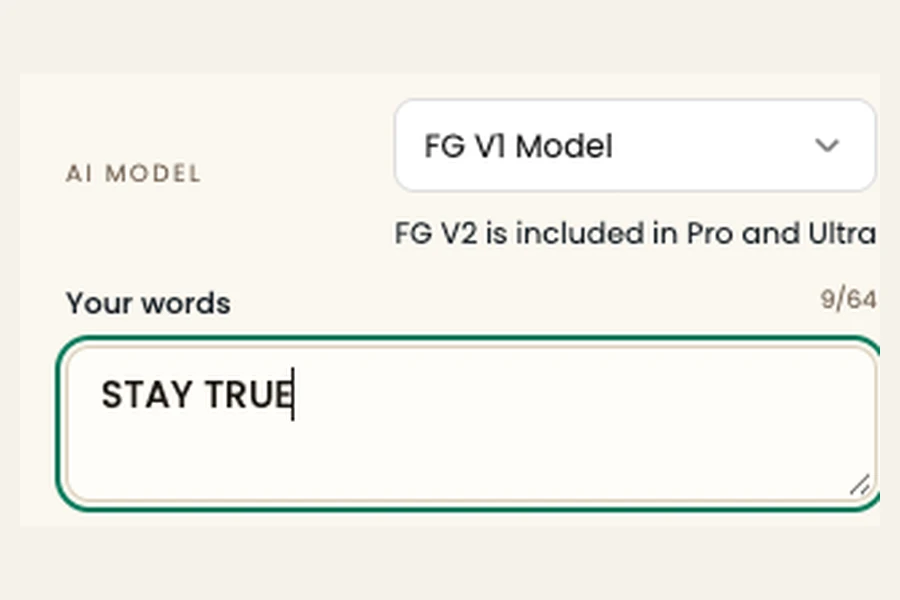
Enter exact words
Open the workspace for the AI tattoo font generator and type your phrase. Keep capitals, punctuation and any diacritics in the draft from the start. Use our tattoo font generator for names with short input first so you can check each character.
Choose style and canvas
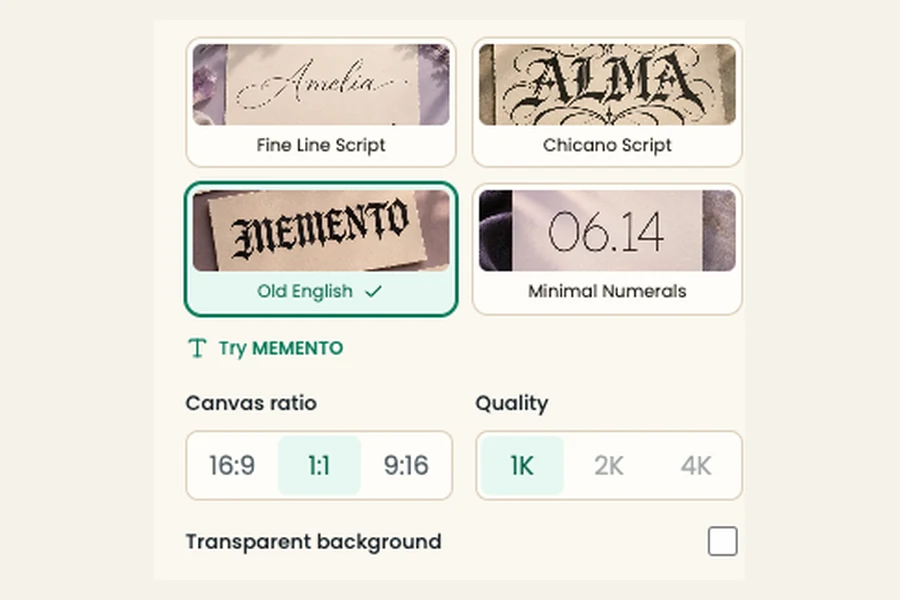
Pick one of four tattoo font styles in our tattoo font generator. Select wide, square or tall, then read the quote. Switch on transparent background if you need isolated strokes. On submission, the tattoo font generator uses the settings shown.
Review and download
Click Generate. Your tattoo font generator shows progress and saves successful drafts in History. Open the result and read the text against your original. Reopen your tattoo font generator to adjust one setting at a time before exporting.
Tattoo Lettering Examples and Tradeoffs
Compare spelling, layout and line weight in these tattoo drafts. The tattoo font generator starts each draft with your typed text, selected style and canvas ratio. The service can return a different image size. Expect variation with AI tattoo font generator results, especially on connected strokes.
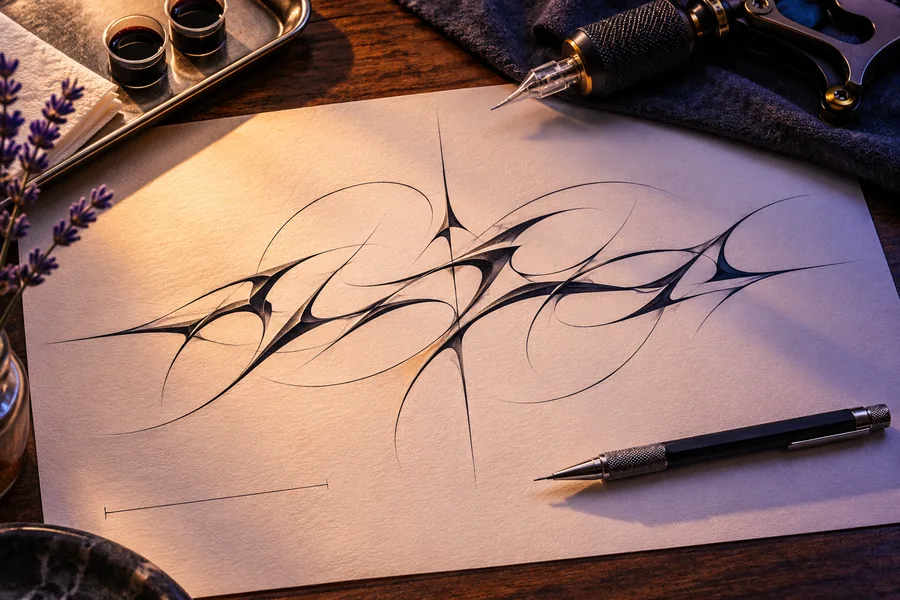
AmeliaFine Line Script · 16:9 · FG V1 at 1KSTAY TRUEOld English · 1:1 · FG V1 at 1K06.14Minimal Numerals · 9:16 requested · FG V1 at 1K
The provider returned wide, angular numerals with a transparent background. Check the dimensions and stroke shape before sharing.
Tattoo Lettering Questions and Answers
What does an AI tattoo font generator make?
This tattoo font generator makes raster lettering drafts for consultation. With AI tattoo font generator settings for four looks, it produces an image from your words and a selected look. Download that preview if the spelling and spacing work. Bring a plain-text version of the words so your artist has a clear reference.
Can I use this tattoo font generator for names with accents?
Yes, this tattoo font generator for names accepts accented characters. AI tattoo font generator results can still change the accents in its result. Compare the text on both sides before exporting, particularly when uppercase lettering or connected cursive makes punctuation difficult to distinguish.
How much does the tattoo font generator cost?
This tattoo font generator starts at 5 credits for FG V1 at 1K, with 10 free daily credits included. Our AI tattoo font generator also supports FG V2 with Pro or Ultra at 10, 16 and 32 credits for 1K, 2K and 4K. Confirmed failed runs refund credits.
Can I export a transparent PNG?
Yes. Select transparent background before starting the tattoo font generator, then download PNG after generation. Keep the same input and settings if you need to compare backgrounds for the tattoo brief. JPEG adds a white background, so open the PNG in your editor to check the transparency you need.
Can a lettering draft go straight onto skin?
A tattoo font generator gives your artist a visual draft for consultation. Your tattoo artist checks size, spacing and line weight for the placement and prepares the stencil. Save the picture from your AI tattoo font generator and keep the intended spelling on hand to review with your artist.
How is this different from a font download?
This tattoo font generator exports image files rather than installable font files. A downloadable tattoo font lets you type editable glyphs in a design app. Choose tattoo font generator artwork when you want a flat tattoo font reference to compare in History and discuss with your artist.
tattoo font generator cursive
Choose Fine Line Script in this tattoo font generator for thin connected lettering. AI tattoo font generator output can make loops tighter than expected. Look at joins such as an e next to an l. A wider frame gives those curves more room before you export.
tattoo font generator copy and paste
Paste the words you want into this tattoo font generator. Save the result as PNG, JPEG or WebP to share the image. For copyable letters that behave like text in a message, choose a Unicode text tool. Tattoo lettering drafts are designed for visual review.
tattoo font generator fine line
In this tattoo font generator, choose Fine Line Script. Zoom in to check each narrow stroke. Compare the result at the intended print size, particularly around joins. If lines collapse against nearby letters, ask your tattoo font generator for wider spacing and review both drafts.
tattoo font generator roman numerals
Enter the Roman numerals you want and verify their spelling before submitting the AI tattoo font generator request. Pick Minimal Numerals and check the render against the input, especially I, V and X. Give this tattoo font generator a wider canvas if the strokes touch at the proposed size.