
01
Type your name and compare six styles
Select Type and enter your name. Compare six signature previews, choose a style, then adjust Ink color and Size. If letters are missing or a style cannot load, choose another font or try Draw.
AI FontGen’s handwritten signature generator is a free browser tool that turns your typed name or drawn strokes into a transparent PNG signature.
Use the handwritten signature generator free of charge: compare six signature styles, or draw with a mouse, finger, or pen. Adjust signature ink, text size or stroke width, then preview against light or dark backgrounds.
Example: Alex Example
Signature style
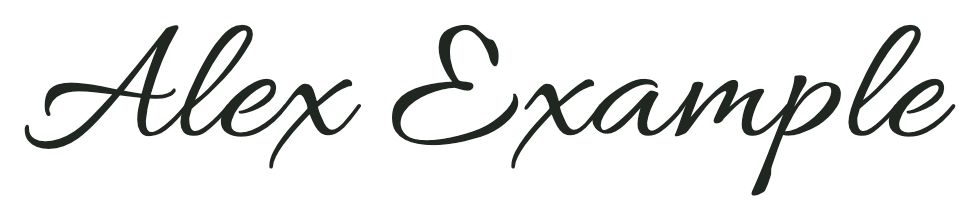
Example signature: Alex Example
Enter your name to preview six styles.
Your signature name and drawing stay in this tab. Download the signature PNG before refreshing or closing it.
Create a signature image for documents, photos, or personal projects. AI FontGen’s handwritten signature generator needs no account or AI credits. Downloading a PNG does not sign a document.
“Signature generator for my name” can mean a font-based image or your own strokes. Choose Type for the first or Draw for the second. Our handwritten signature generator exports a transparent PNG through either method. Review the result before downloading.
Select Type and enter your name. Compare six signature previews, choose a style, then adjust Ink color and Size. If letters are missing or a style cannot load, choose another font or try Draw.
Select Draw and write directly on the canvas using mouse, touch, or pen input. Set Ink color and Stroke width. Use Undo stroke to remove the latest mark, or Clear drawing to start the signature again.
Before downloading, use our handwritten signature generator to check the preview against light or dark backgrounds. Confirm the actual PNG dimensions, then select Download PNG. If preparation fails, choose Try again; otherwise, check your browser’s downloads.
Compare lettering in our handwritten signature generator, adjust details, and check readability before exporting. An autograph maker should show the same name in each style for a fair comparison.
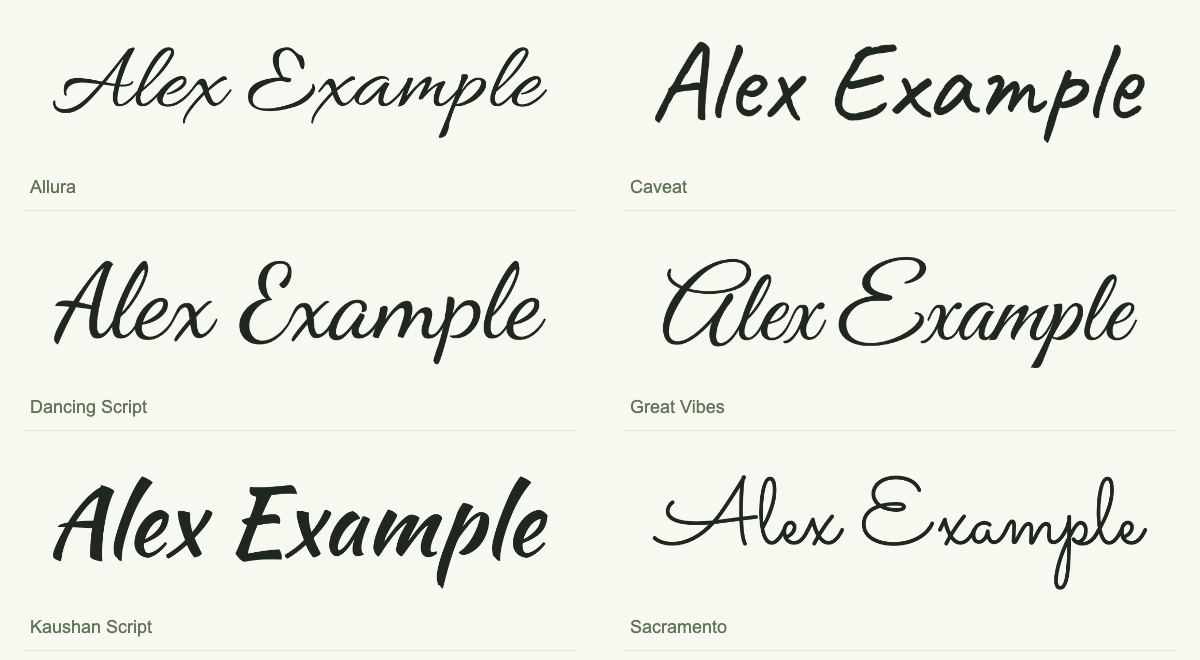
Use the autograph creator to compare Allura, Caveat, Dancing Script, Great Vibes, Kaushan Script, and Sacramento using Alex Example. Inspect signature capitals A and E, connected letters, spacing, and stroke weight. Keep the signature name unchanged while switching fonts to judge the lettering consistently. If you searched “signature generator for my name,” compare the same spelling before choosing a font.
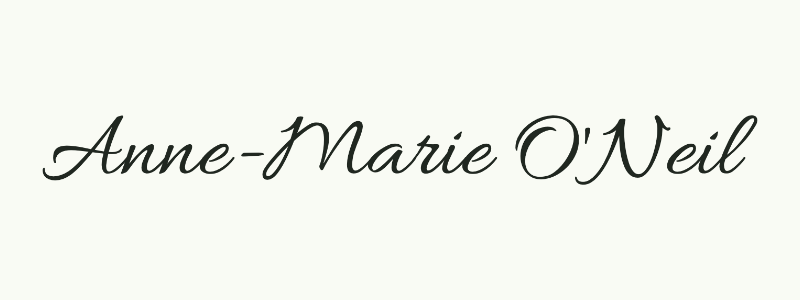
Handwritten signature generator controls let you adjust typed names with Ink color and Size. In Draw, set Stroke width; Undo stroke removes the latest mark without clearing the whole signature. Check Anne-Marie O'Neil in the preview: each letter, hyphen, and apostrophe should match the input. The chosen font should preserve the name you enter.
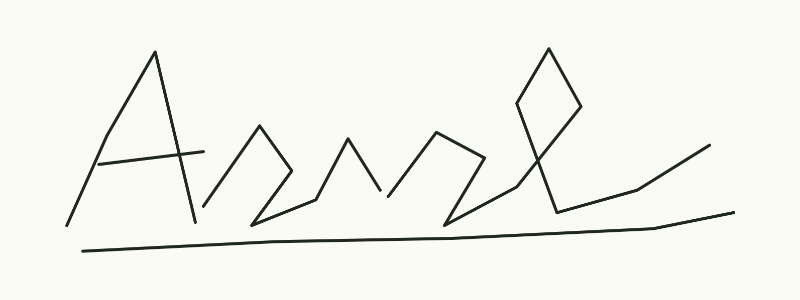
With a fancy signature generator, choose flourishes that stay readable at the intended size. Compare capitals, loops, and ending strokes against the available space. AI FontGen’s signature image tool does not verify identity or guarantee a unique signature. Check the downloaded signature against its intended background after resizing. A dramatic signature may suit artwork; a simpler signature can be easier to read in a small document field.
| Check | How to test | Why it matters |
|---|---|---|
| Legibility after resizing | View at the intended size; inspect capitals and joins. | Keep the full signature name readable. |
| Transparent edges | Check on light and dark backgrounds; inspect the PNG. | Avoid white boxes or cropped signature flourishes. |
| Accurate lettering | Match letters, spaces, hyphens, and apostrophes to your input. | Prevent missing or silently substituted signature characters. |
To use a handwritten signature generator free of checkout steps, compare download access alongside signature input methods and the files delivered. The observations below distinguish what was tested from what was only shown.
| Feature | AI FontGen | SignForge | Canva widget | Sign.Plus |
|---|---|---|---|---|
| Typed name | Verified | Verified | Verified | Verified |
| Style choices | 6 fonts | 12 shown | 4 observed | 15 shown |
| Draw control | Verified | Tab shown | Modal option | Not shown |
| Free PNG without login | Verified | Verified | Verified | Verified |
| Transparent PNG | Verified | Verified | Verified | Verified |
| Document signing | Image only | Separate workflow | Separate workflow | Separate workflow |
AI FontGen’s signature typing, drawing, and PNG export were tested in this local preview. Drawing controls were observed on SignForge and Canva; their drawing exports were not tested.
Canva’s tested widget exported transparency without login; its FAQ describes transparent downloads as Pro.
| Tool | Selected style | Native PNG pixels | File bytes |
|---|---|---|---|
| AI FontGen | Allura | 980 × 220 | 40,911 |
| SignForge | Allura | 347 × 109 | 10,120 |
| Canva | Amsterdam Four | 850 × 290 | 26,466 |
| Sign.Plus | First default style | 2,240 × 780 | 70,472 |
Signature dimensions depend on fonts and cropping. SignForge, Canva, and Sign.Plus used different settings, so PNG size does not rank signature quality. Speed, usage limits, and document signing were not tested. Review each signature at its intended size.
Recorded 2026-11-14: Alex Example, black ink, no login or payment. AI FontGen used Allura at 180 px; other font and rendering settings differed.
Create a signature image for the intended project, place the downloaded PNG in an editor that supports images, then inspect signature size, contrast, and placement.
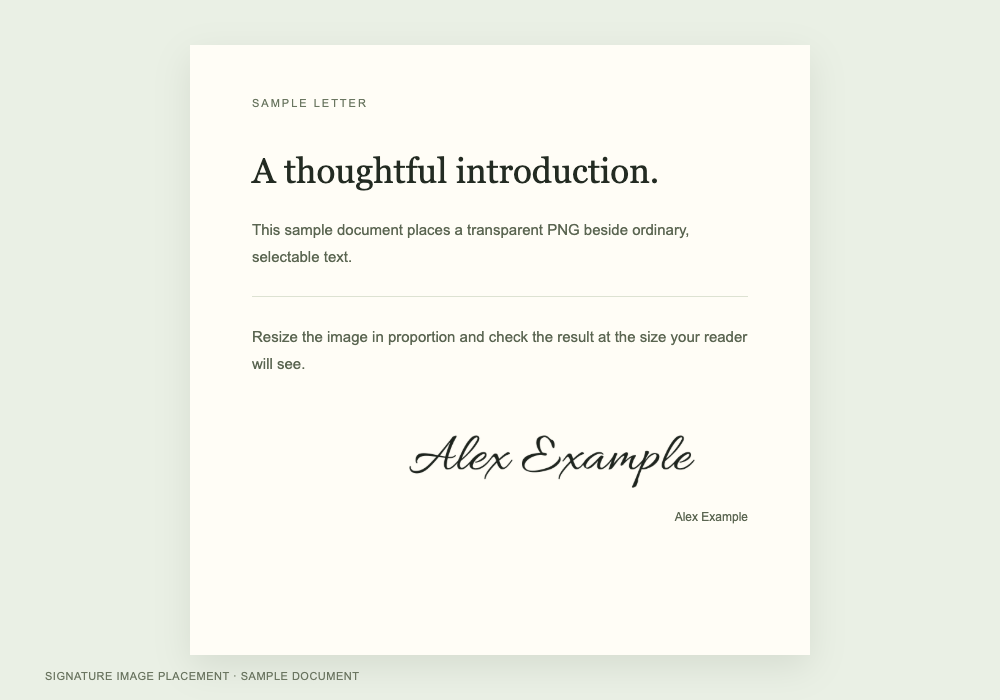
Use the professional signature generator to prepare a readable image for a letter, proposal, or personal form. Enter the name, choose a restrained signature style, then inspect each character. Insert the transparent PNG into a document editor that supports pictures, resize proportionally, and inspect the exported document for sharpness and placement. Leave enough room around the image to avoid crowding nearby text. The result is an image you place yourself. AI FontGen does not open or edit PDFs, verify identity, collect signing consent, or create a document signing audit trail.
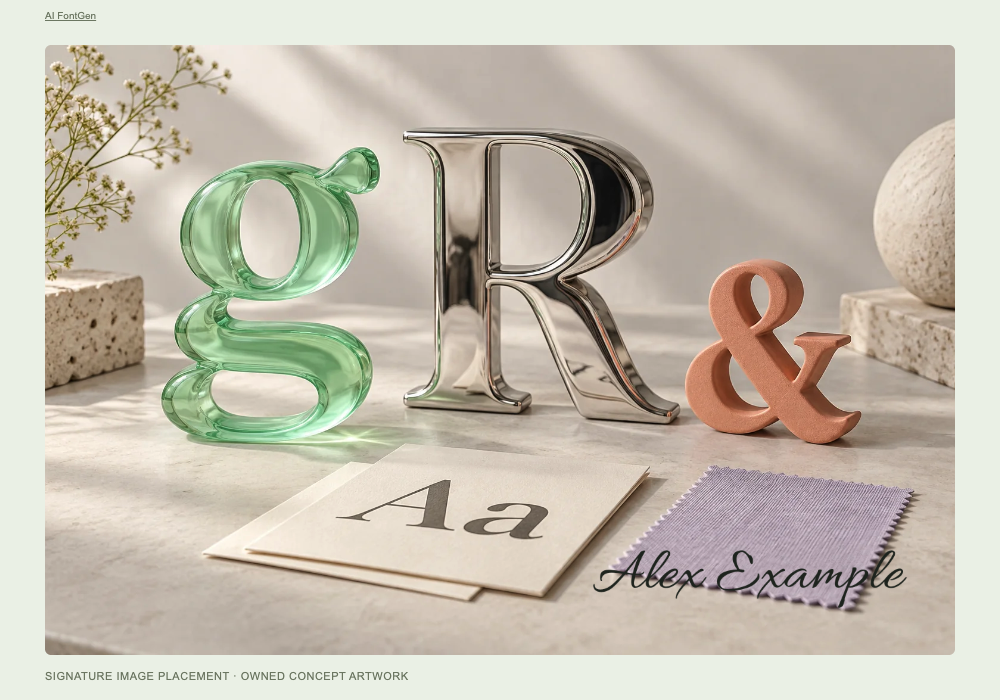
Use the artist signature generator to credit a photograph or artwork with a name, initials, or drawn strokes. Choose ink that contrasts with the intended background. Import the transparent PNG into a photo editor with image layers, then place the signature away from important details. Preserve its proportions and inspect the signature at the size you will share. PNG files from a handwritten signature generator are raster artwork, so enlargement can soften the edges. AI FontGen does not identify artists from images or prevent copying.
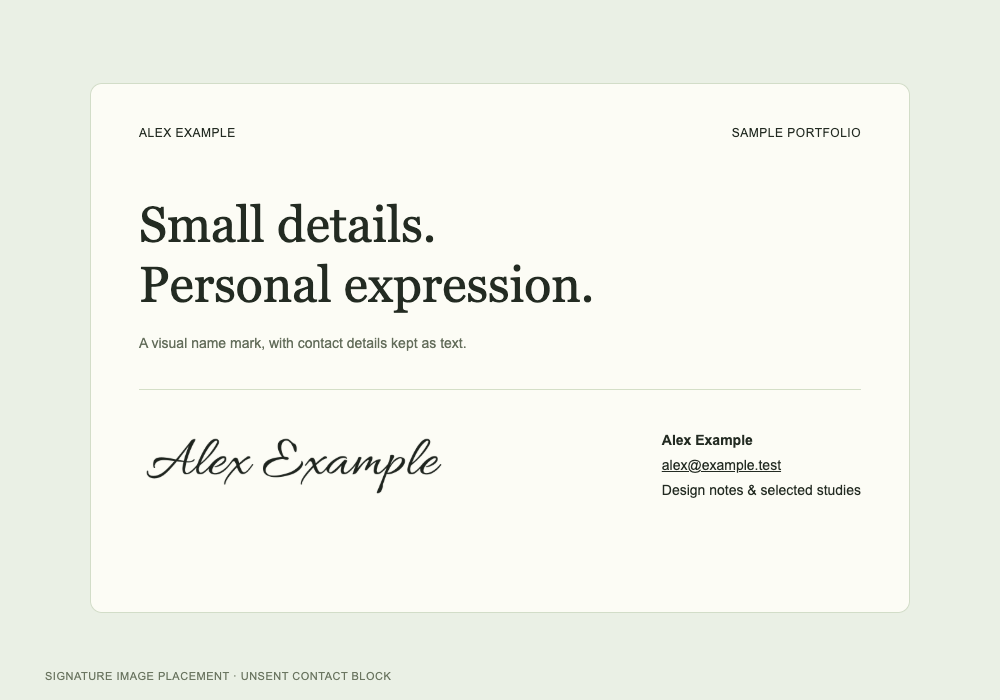
Create a signature for a portfolio bio or email contact block. Type a name or initials, then choose a signature style that remains readable when small. Insert the PNG into a website or email editor that supports images. Preview signature placement on desktop and mobile after insertion. Keep contact details and links as separate, selectable text so readers can use them. The download contains a signature image, not a complete HTML email signature, copyable lettering, or an installable font file.
The handwritten signature generator renders a name as a PNG using a selected handwriting font. Enter 1–64 supported characters. Compare six signature previews, select a style, then adjust color and size. Download after checking every letter. If a font cannot show the complete name, choose another style or Draw before exporting.
Yes. We keep this handwritten signature generator free for typing, drawing, and PNG downloads without an account or AI credits. Compare signature styles, adjust the result, then download without checkout. The separate AI Font Generator Studio has its own credit costs and model access rules. Review the displayed cost before submitting an optional AI lettering request.
Type for a consistent font-based signature, or choose Draw to make a signature from personal strokes. Typing applies an existing font; it does not learn your handwriting. Drawing follows mouse movements, touch, or pen input, with stroke width and undo controls. Both methods export a transparent signature PNG. Choose the approach that gives you the control you need.
Select Download PNG once the signature preview is ready. The export contains only the signature on a transparent background, cropped with a margin. Read the actual pixel dimensions beside the preview. Light and Dark affect the preview background only. Check your browser’s downloads after requesting the signature file.
No. The handwritten signature generator keeps the signature name and strokes in browser-tab memory. Signature content is not uploaded, saved in browser storage, or included in analytics. The site still loads resources and may record visits under its privacy policy. AI links do not include signature content. Refreshing or closing the tab clears the draft.
Downloading a PNG from this handwritten signature generator does not itself sign a document. The download is an image for another application. AI FontGen does not verify identity, record signing consent, or create a signing audit trail. If the task requires these steps, use an appropriate signing workflow and check its requirements.
Follow the message beside the signature input or result. Enter a name or draw a stroke if empty; shorten names over 64 characters. For missing signature letters, choose another style or Draw. Use Retry style for font-load failures and Try again for PNG errors. Contact AI FontGen Support if needed.